

Ranking your business on Google Maps in Kolkata can bring high-intent local customers straight to your doorstep. Whether you run a restaurant, IT company, digital marketing agency, clinic, or local shop, Google Maps SEO (also called Local SEO) is one of the fastest ways to get leads.
In this guide, you’ll learn step-by-step how to rank your business on Google Maps in Kolkata, using proven local SEO strategies that actually work.
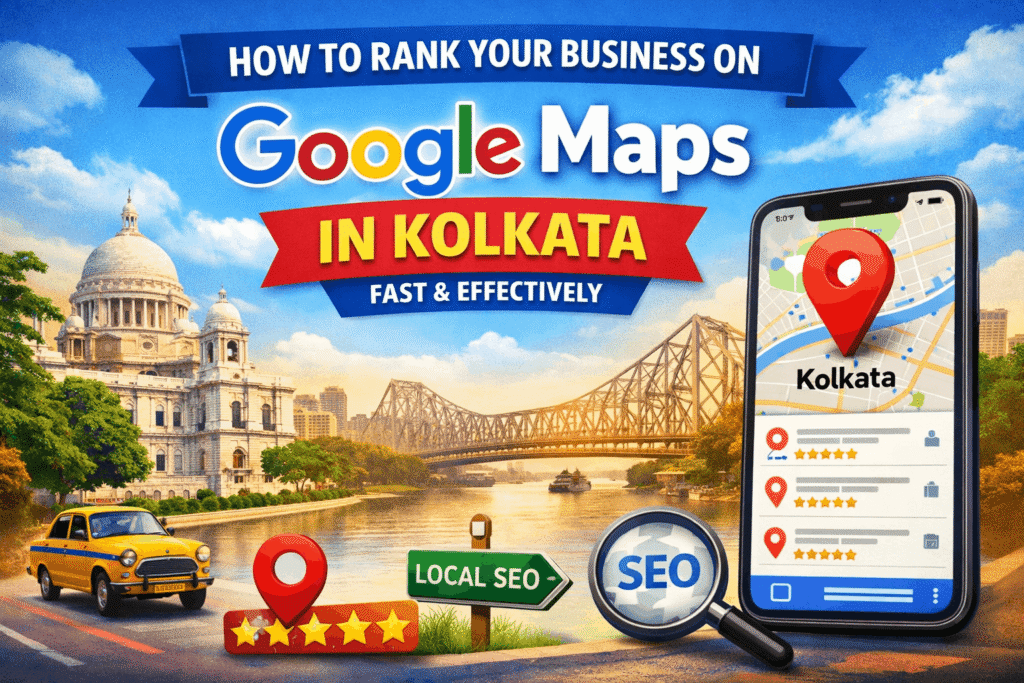
Why Google Maps Ranking Is Important for Kolkata Businesses
When people search for:
- “best web development company in Kolkata”
- “digital marketing agency near me”
- “restaurant near Park Street”
Google shows the Map Pack (Top 3 Google Maps results) before websites.
Benefits of Ranking on Google Maps:
- Higher visibility than websites
- More calls, visits, and direction requests
- Faster results compared to normal SEO
- Perfect for local Kolkata customers
Step 1: Create & Optimize Google Business Profile (GMB)
Your Google Business Profile (GBP) is the foundation of Google Maps ranking.
Must-Do Optimization Checklist:
- Business Name (No keyword stuffing)
- Primary Category (Very important)
- Secondary Categories
- Address in Kolkata (Accurate & consistent)
- Service Areas (Salt Lake, Howrah, New Town, Park Street, etc.)
- Phone Number
- Website Link
- Business Hours
Pro Tip:
– Choose the most relevant category, not a generic one.
Example:
IT Services
– Website Design Company / Digital Marketing Agency
Step 2: Use Kolkata-Based Keywords in Your Profile
To rank faster in Kolkata, your keywords must reflect local intent.
High-Ranking Local Keyword Examples:
- Web development company in Kolkata
- Digital marketing services in Kolkata
- Best SEO agency in Kolkata
- Website designer near Howrah
- IT company in Salt Lake Kolkata
Where to Add Keywords:
- Business Description
- Services Section
- Google Posts
- FAQs (Q&A section)
⚠️ Avoid keyword stuffing—keep it natural.
Step 3: Add Services & Products Properly
Google uses Services & Products as a ranking signal.
Example (For an IT Business):
Services:
- Website Development in Kolkata
- SEO Services in Kolkata
- WordPress Development
- E-commerce Website Design
Each service should have:
- A short keyword-rich description
- Local references to Kolkata
Step 4: Get Local Reviews (This Is HUGE)
Reviews are one of the strongest Google Maps ranking factors.
How to Get More Reviews:
- Ask satisfied customers politely
- Send WhatsApp review links
- Add review QR codes at your office
- Follow up after project completion
Review Optimization Tips:
- Encourage customers to mention Kolkata / area name
- Reply to every review
- Add keywords naturally in responses
Example response:
“Thank you for choosing our web development services in Kolkata. We’re happy to help your business grow online!”
Step 5: Add High-Quality Geo-Tagged Photos
Businesses with regular photo uploads rank higher on Google Maps.
What Photos to Upload:
- Office exterior & interior
- Team working photos
- Client meetings
- Project screenshots
- Branding visuals
📍 Bonus Tip:
Use geo-tagged images with Kolkata location metadata for better local relevance.
Step 6: Post Regular Updates on Google Business Profile
Google loves active businesses.
What to Post:
- Offers & promotions
- New services
- Case studies
- Blog snippets
- Festival greetings (Durga Puja, Diwali, etc.)
📆 Post 1–2 times per week for best results.
Step 7: Build Local Citations for Kolkata
Local citations help Google verify your business.
Best Citation Sources:
- Justdial
- Sulekha
- IndiaMart
- TradeIndia
- Yelp
- Bing Places
- Facebook Business Page
📌 Ensure NAP consistency:
- Name
- Address
- Phone number
Step 8: Embed Google Maps on Your Website
Add your Google Maps location on:
- Contact page
- Footer
Also optimize:
- Title tags with “Kolkata”
- Local schema markup
- Location-specific landing pages
Step 9: Create Location-Based Content
Google Maps ranking improves when your website supports it.
Content Ideas:
- “Best Web Development Company in Kolkata – Complete Guide”
- “Why Kolkata Businesses Need Local SEO”
- “How Our Digital Marketing Agency Helps Kolkata Startups”
This reinforces local authority.
Step 10: Track Performance & Improve
Use:
- Google Business Insights
- Google Search Console
- Call tracking tools
Monitor:
- Search queries
- Calls
- Direction requests
- Website clicks
Final Thoughts: Rank Your Business on Google Maps in Kolkata Faster
To rank on Google Maps in Kolkata
- Optimize your Google Business Profile
- Use Kolkata-focused keywords
- Collect authentic local reviews
- Stay active with posts & photos
- Build strong local citations
Google Maps SEO is one of the fastest ways to generate local leads in Kolkata—and when done right, it can outperform traditional SEO.
)

Related Posts

How Small Businesses in Kolkata Can Get More Customers Using a Website
I Have A Practical Guide for Local Shops, Service Providers & Home-Based Businesses Let’s be honest. Most small businesses in Kolkata still run on word…
Read More
How to Make Glass in Minecraft: 2025 Guide
[ad_1] Ever curious about how they create those shiny glass walls or upscale see-through floors in Minecraft? It begins with a basic crafting trick that…
Read More